💧
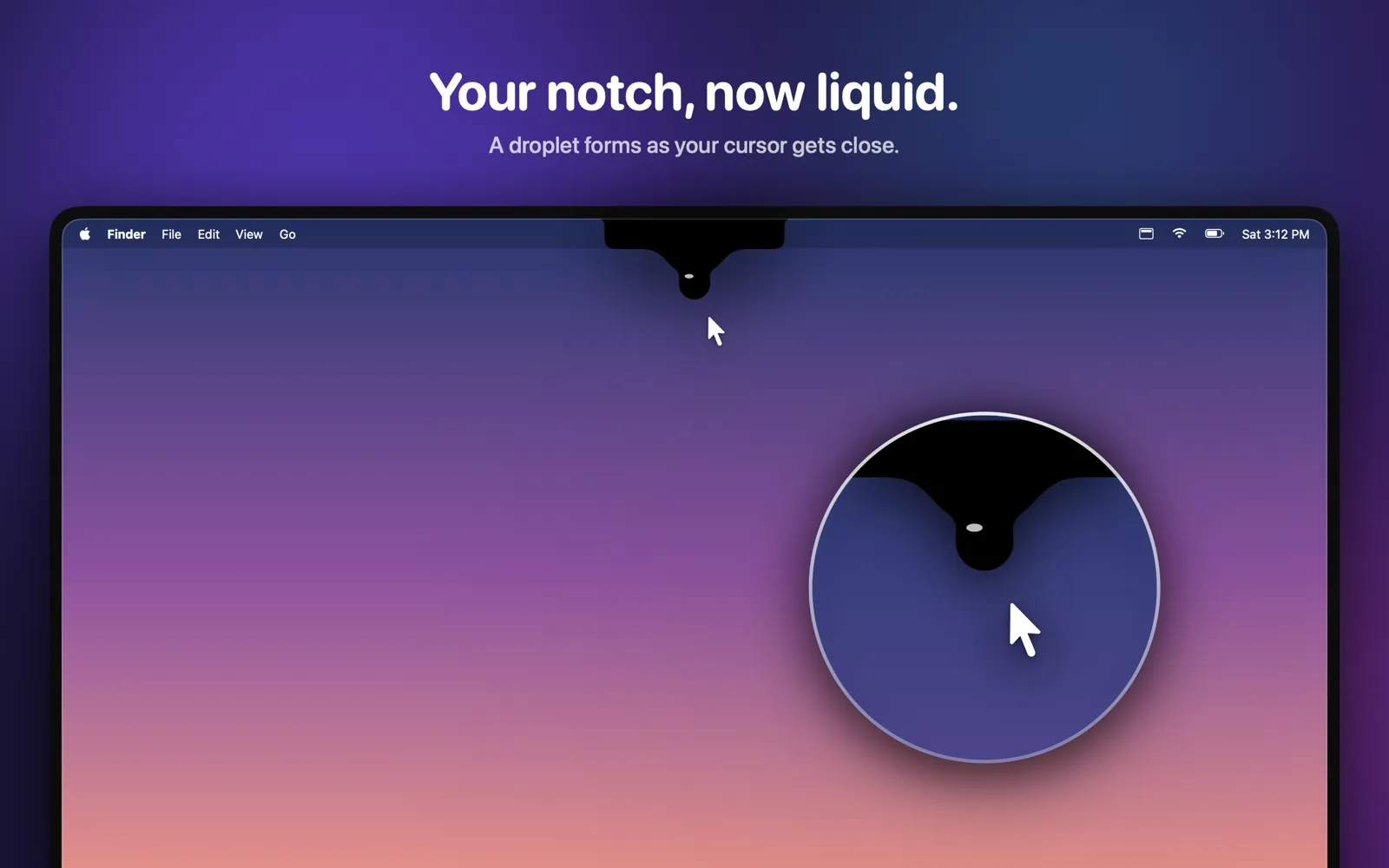
Liquid droplet
Move your cursor close and a soft, liquid drop stretches out of the notch – spring physics, no sharp edges.
 Notchy
For macOS · Windows coming soon
Notchy turns the notch into your command center: park files, send them with drag and drop, find anything you copied and keep track of your AI usage – with a droplet effect that feels like it has always been part of macOS.
€3.99 one-time purchase · no subscription · no tracking
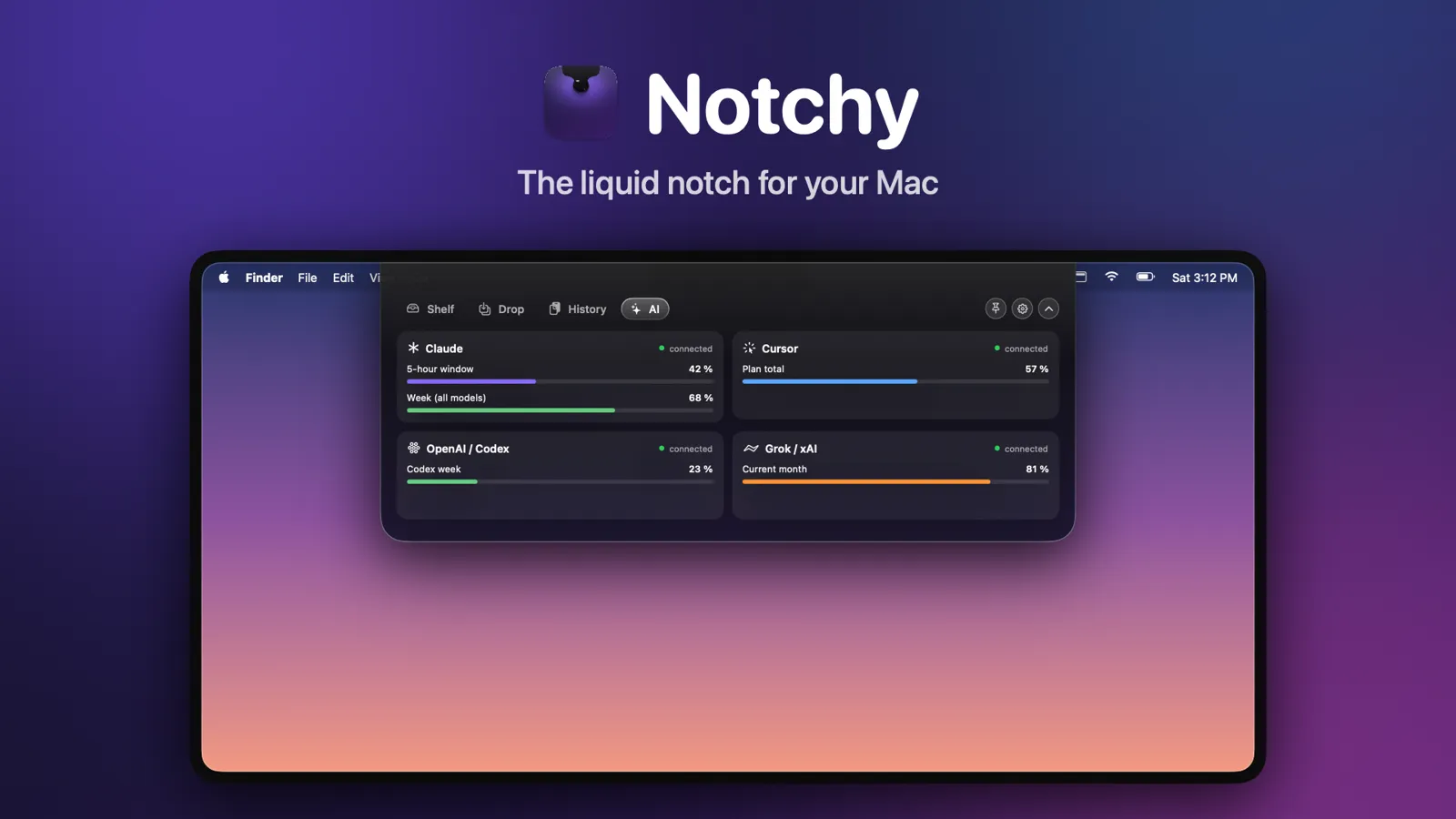
Move your cursor close and a soft, liquid drop stretches out of the notch – spring physics, no sharp edges.
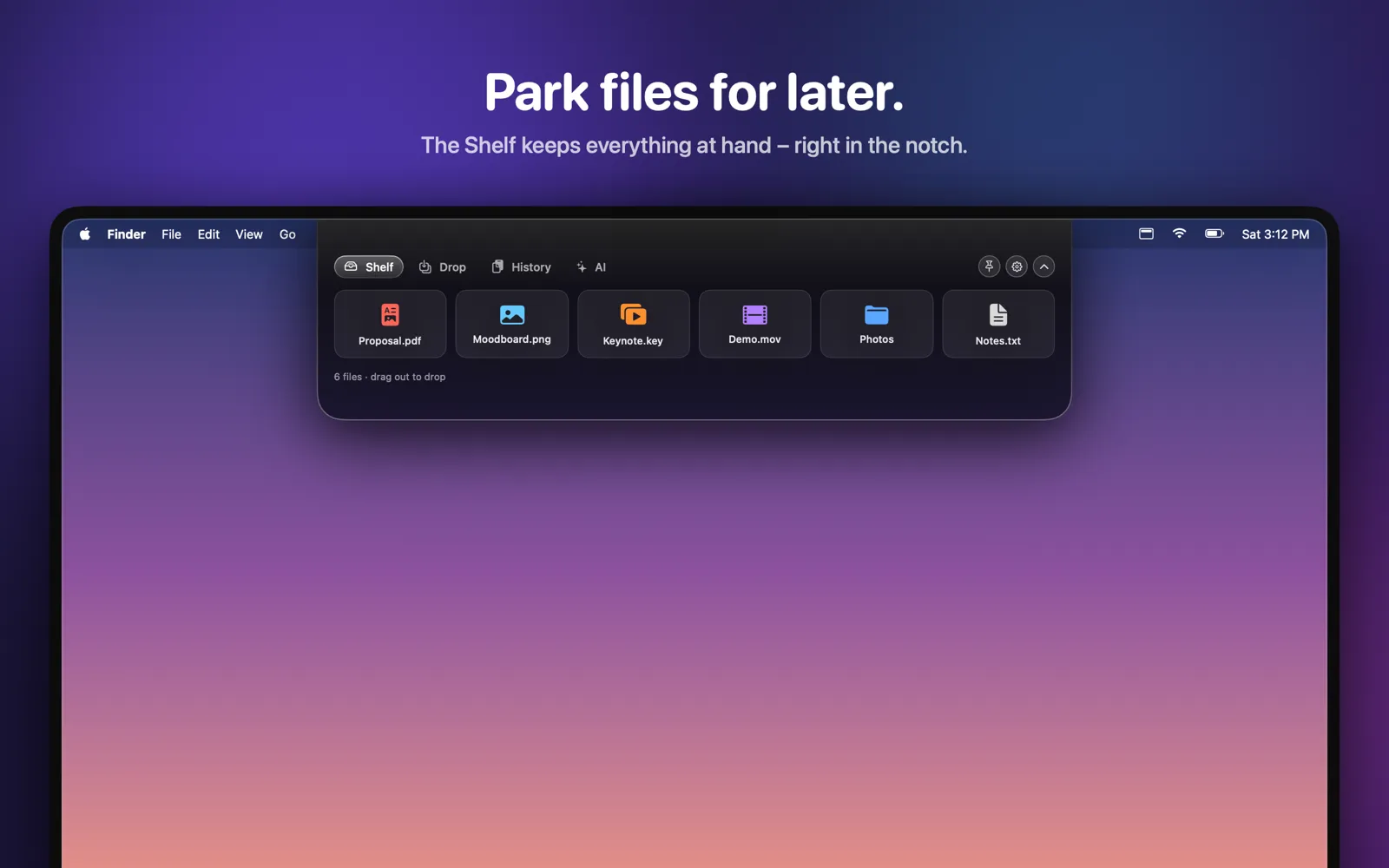
Park files in the notch and drag them out again later – into any app, folder or email.
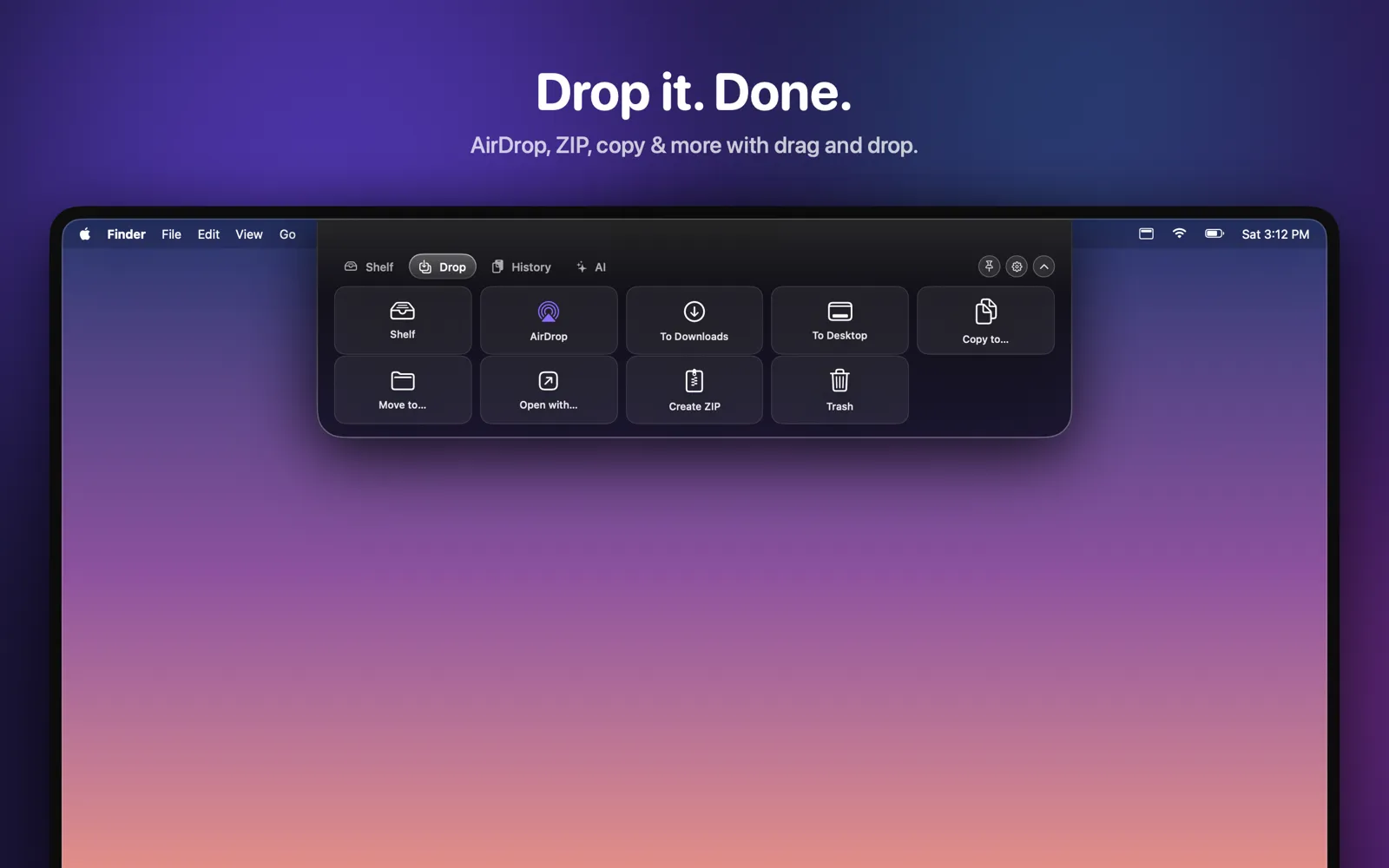
Drop files on AirDrop, To Downloads, To Desktop, Copy or Move to…, Open with…, Create ZIP or Trash.
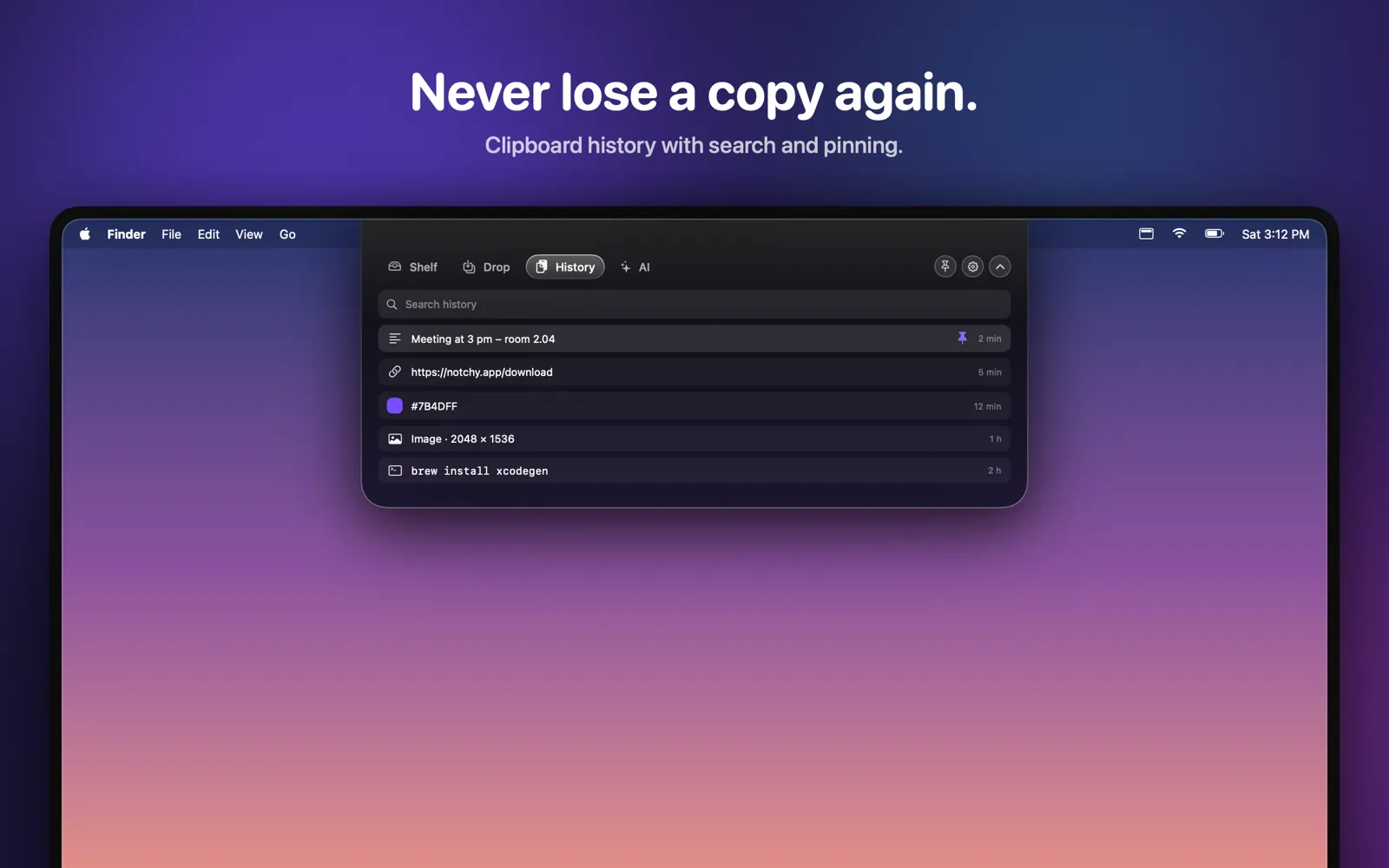
Everything you copy – text, links, images, files – searchable and pinnable. Passwords are ignored automatically.
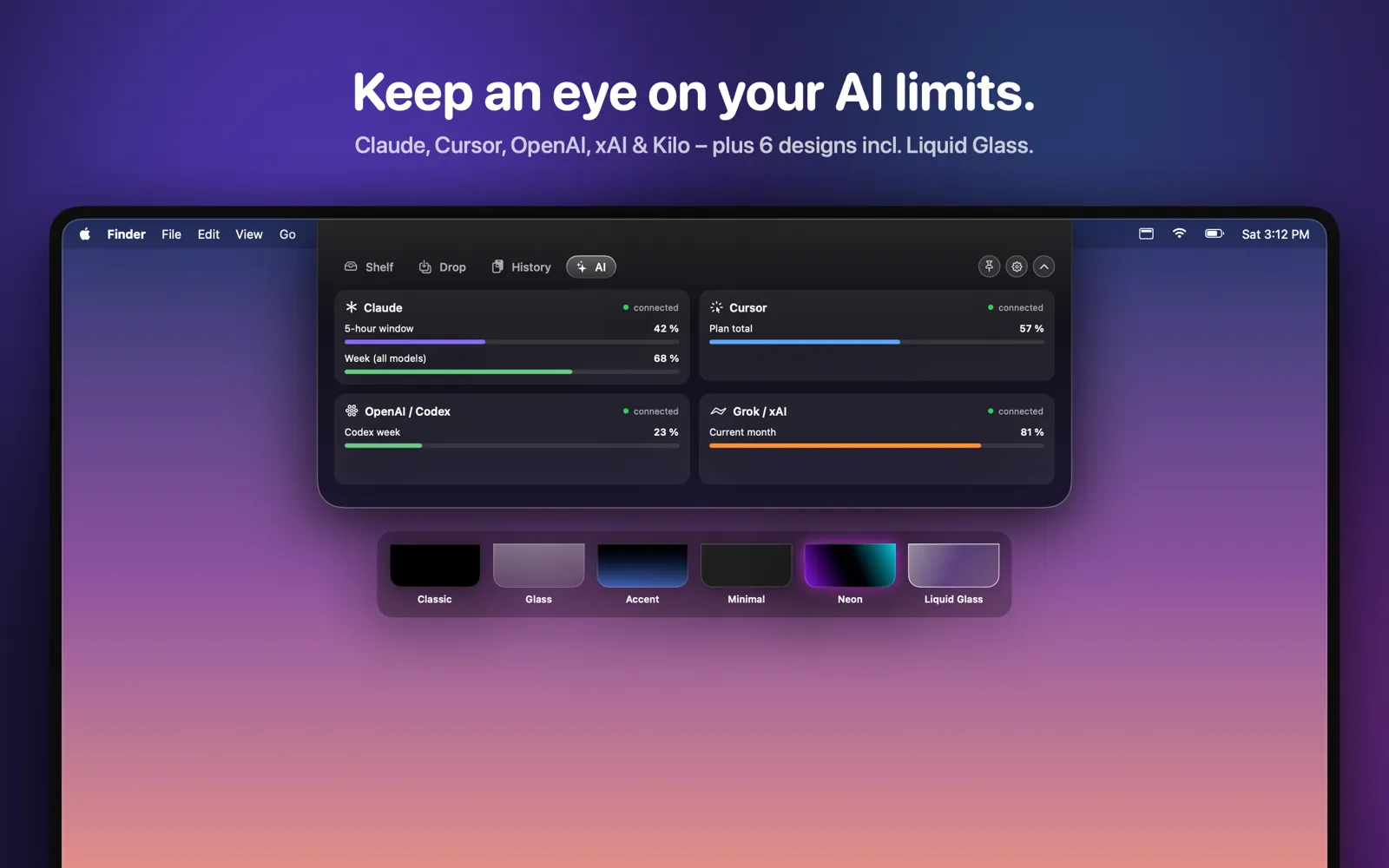
Cards for Claude, Cursor, OpenAI/Codex, Grok/xAI and Kilo Code show usage, costs and limits. Keys stay in your Keychain.
A second, simulated notch on external displays – with Shelf and history shared across screens.
Classic Black, Glass, Dark Accent, Minimal, Neon Glow and Liquid Glass. Closed, Notchy blends into the hardware notch.
Global shortcuts like ⌥⌘N and ⌘1–4 for the tabs – no Accessibility permission needed.
No account, no tracking, no analytics. Notchy only talks to the AI providers you set up yourself.